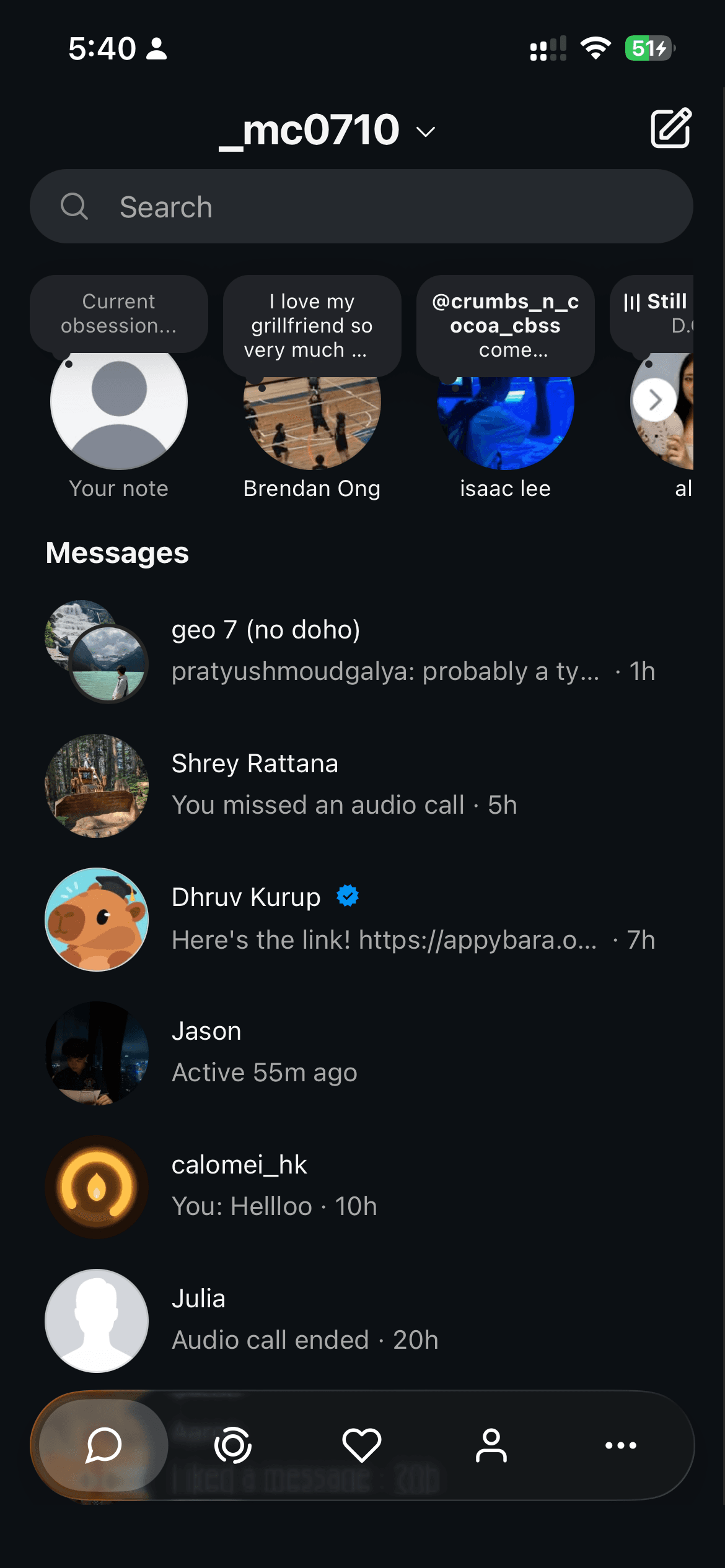
Free Instagram messaging is coming to Konvo. The upcoming free plan includes your DMs and group chats, with optional Premium for extra features. The new iPhone and Android releases are still pending; the currently available iPhone version requires a subscription for messaging.
What will be free?
In the upcoming free version, you can keep using your existing Instagram DMs and group chats without starting a trial or subscribing. Your friends do not need to download Konvo.
| Feature | Free | Premium |
|---|---|---|
| Instagram DMs and group chats | Included | Included |
| Feed, Reels browsing and Explore hidden | Included | Included |
| Message notifications | Premium feature | Included; connection and permission required |
| Friends’ Stories | Premium feature | Included |
| Multiple Instagram accounts | Premium feature | Included |
| Messaging subscription required | No | Optional upgrade |
Does Konvo offer a free trial?
An eligible Premium offer may include a free trial. If one is available to you, the app and your store’s purchase screen show its length and the price that follows before you subscribe. Downloading the app does not start a trial; you must confirm the subscription purchase.
Trial eligibility depends on the offer and your store account’s subscription history. A previous trial or subscription can affect eligibility. A trial renews into the selected paid subscription unless you cancel in time. The upcoming free messaging plan is separate from a Premium trial.
What does Premium add?
Premium adds message notifications, access to friends’ Stories and multiple Instagram accounts. In the upcoming free version, your core DMs and group chats remain available without Premium.
Message notifications require notification permission and a separate connection in Konvo’s settings. Review the notification privacy explanation before connecting. Konvo needs an internet connection and a working Instagram account.
How do I cancel a Konvo subscription?
For an Apple subscription, open iPhone Settings, tap your name, then Subscriptions → Konvo → Cancel Subscription. Apple recommends cancelling at least 24 hours before a trial ends if you do not want it to renew. Check the cancellation and expiry information Apple displays.
For a Google Play subscription, open Google Play’s Payments & subscriptions → Subscriptions, select Konvo, and choose Cancel subscription. Use the Google account that made the purchase.
Deleting Konvo, disconnecting Instagram or installing the free update does not cancel an existing subscription. Manage it through the store that billed you.
How do I restore an existing purchase?
On iPhone, use the same Apple Account that purchased the subscription, then choose Restore on Konvo’s paywall. If access is not restored, check the subscription’s status in Apple Settings and contact Konvo support. For Google Play purchases, check the purchasing Google account and its subscriptions, then contact support if access is missing. Do not send passwords, login codes or payment card details.